Choose a stage
Each stage is a Blender-authored environment exported as an annotated USDZ. On visionOS Safari you can step into it and dock a video onto the stage geometry; on other browsers the pages still describe what you would see.
-
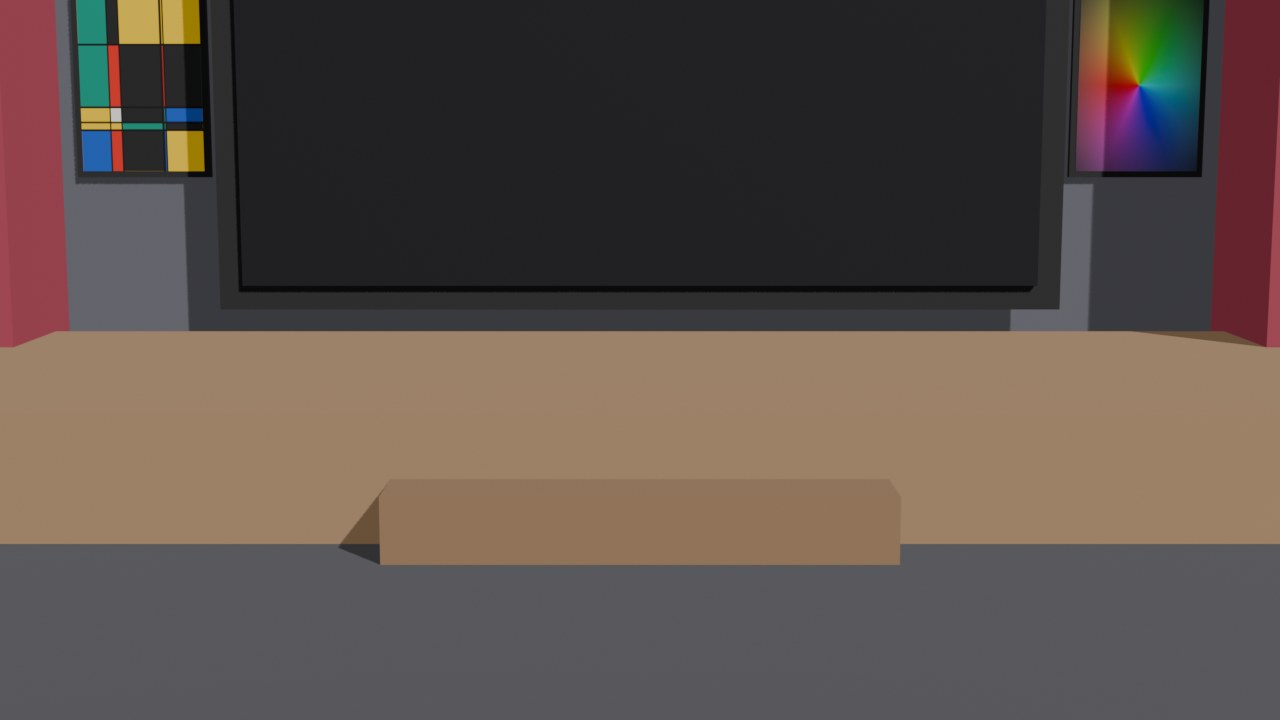
Classic stage
A traditional rectangular stage with a single 16:9 screen. One video docking region, front and centre.
Open the classic stage -
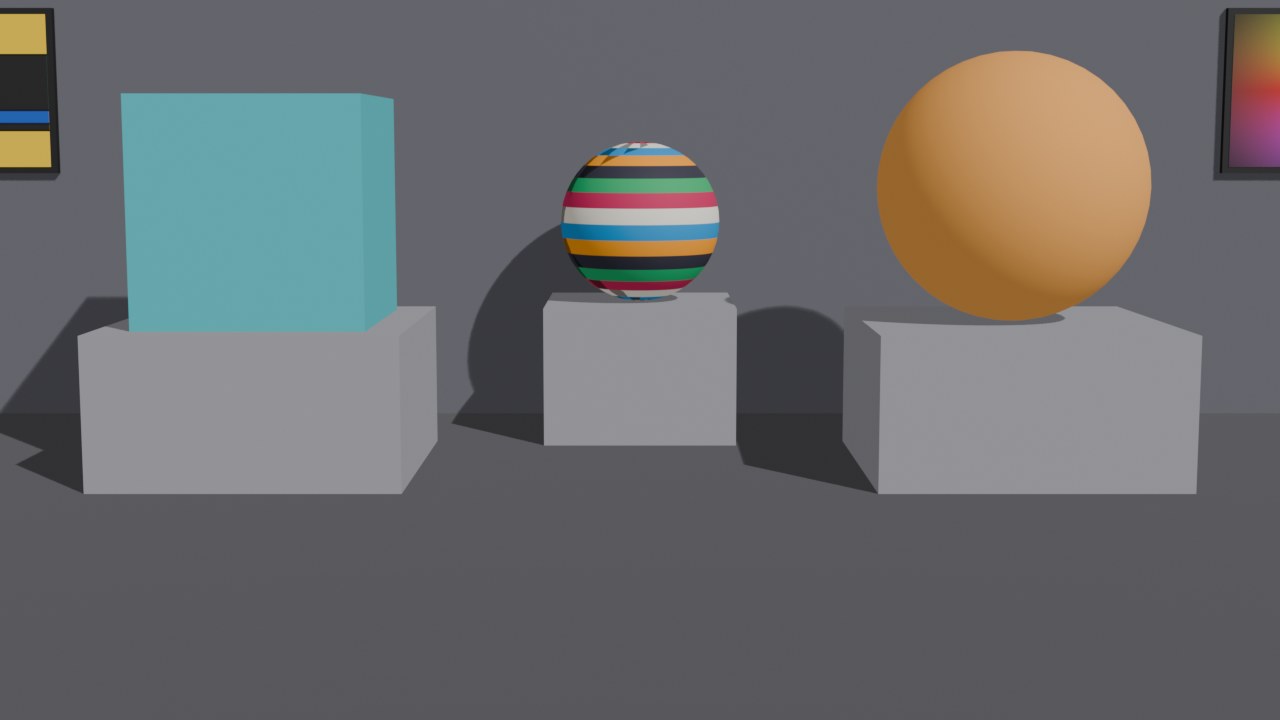
Dual stage
A cube and a sphere as separate geometry — pick which one the video plays on. Ships as one USDZ per target plus an experimental two-region variant.
Open the dual stage -
XR stage
Two different videos at the same time — one on the cube, one wrapped around the sphere — via WebXR + three.js video textures, which USDZ docking can't do.
Open the XR stage -
GLB stage
The same Blender scene as the dual stage, exported as one GLB — the page targets
Open the GLB stageCubeScreenandSphereScreenby name and plays a different video on each, simultaneously. -
Video room
Sit inside a long cuboid: four walls and the floor each play a different video, frame-locked to one clock — a CAVE as a web page.
Open the video room
Debug test pages
Temporary probes for the model.ready investigation — each
isolates one variable. All have the same debug log panel.
- /test/full.html — classic replica, no CSP, no nosniff
- /test/noenv.html — no security headers and no environment map
- /test-noenv — normal headers, no environment map
- /test-pixar — normal headers, USDZ served as
model/vnd.pixar.usd - /test/visible.html — model rendered inline with a real box (no
display:none) - /test/hidden.html — model hidden via the
hiddenattribute (webkit.org demo pattern)